
Exchange
Everything you need to know about vacations with GPX
HOW TO EXCHANGE WITH GPX
It’s easy to travel somewhere new with GPX, your exclusive exchange network.
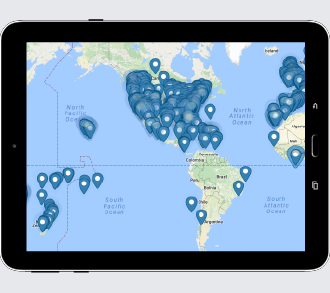
PICK A WEEK AT ANOTHER RESORT
Choose from destinations worldwide or submit a special request.
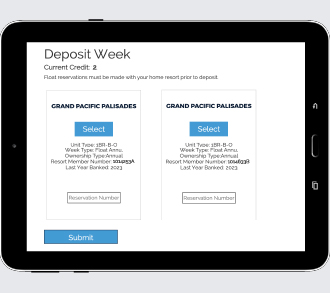
DEPOSIT YOUR WEEK FOR CREDIT
Your credit is good towards any week available in GPX.

ENJOY YOUR VACATION
Relax knowing that you received the best week at the lowest exchange fee.
EXTENSIONS
Need more time to plan that perfect vacation? Simply extend your exchange credit – we offer a 12-month extension for a nominal fee.
UPGRADE OPTIONS
Your options are endless, whether you’re traveling domestically or internationally, you can upgrade your unit for the same flat rates depending on unit size.
Flex Booking
Sometimes you need flexibility when making travel plans. Add Flex Booking for just $49 to your Exchange and you will be able to cancel up to 45 days prior to check-in.